Saturday, December 30, 2006

Working with profiles


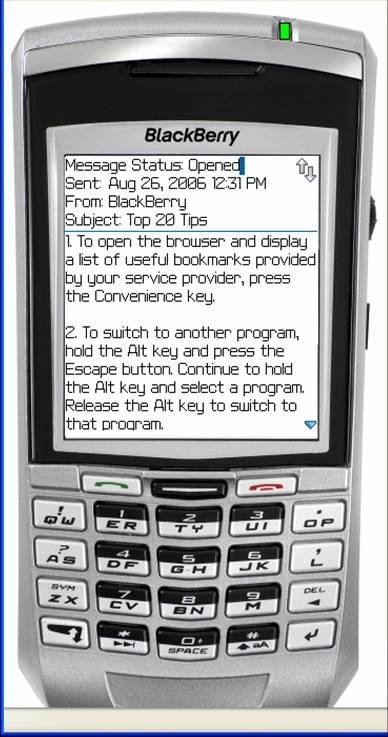
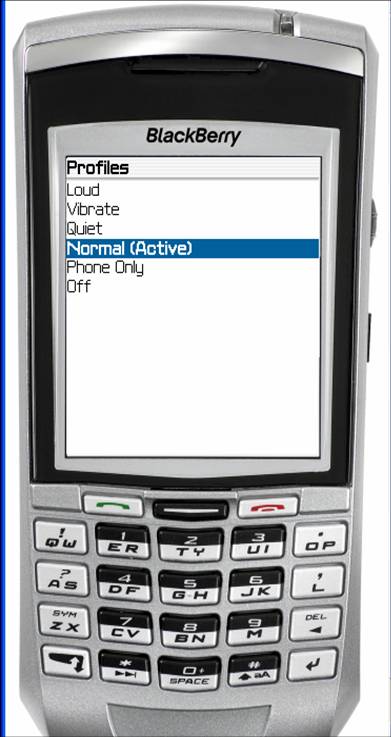
Profiles controls ringing, sounds, and vibrating for e-mails, phone calls, direct connect, and appointments.

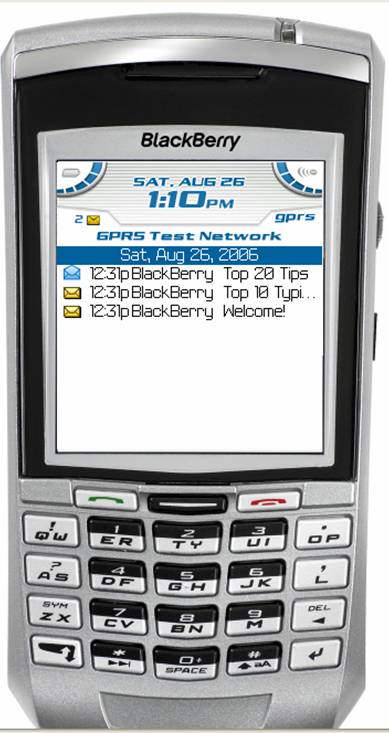
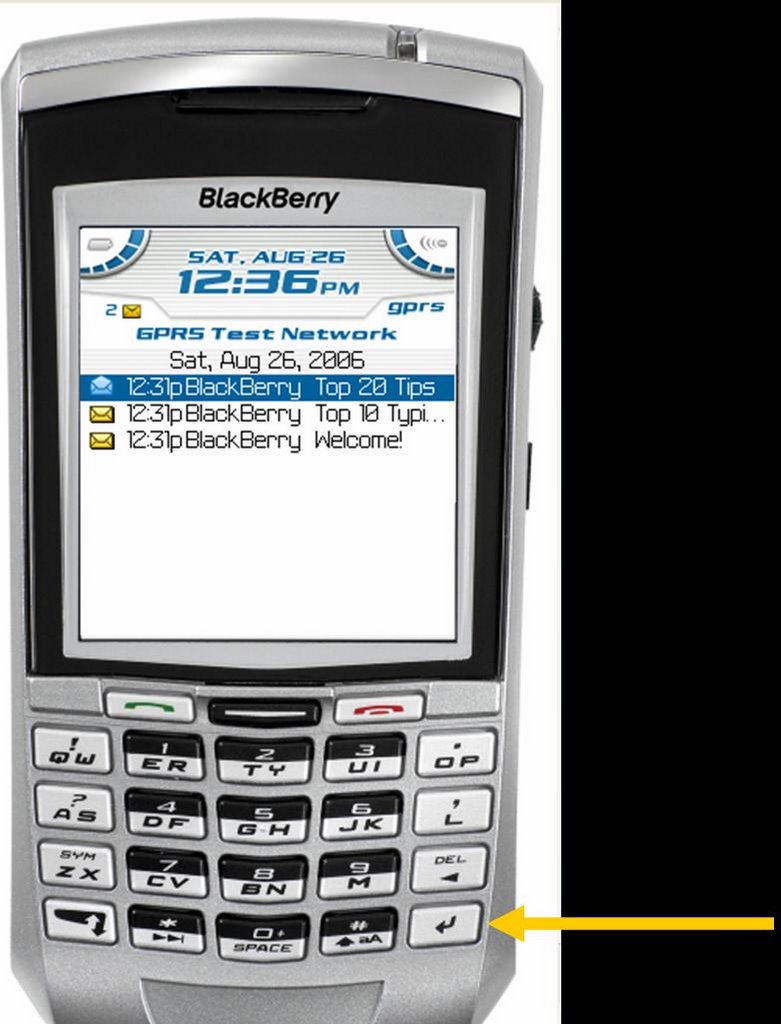
Press the “Enter” key to open the “Active” profile.

The strategy is for the Blackberry to do the following:

Phone—Vibrate+Tone
Direct Connect—Vibrate+Tone
Appointment—Vibrate+Tone (different tone)
E-mail—Vibrate only

You can tell by the sound what is happening

Thursday, December 28, 2006

Don’t let your Blackberry cry “Wolf!”

Do you really want your BlackBerry to ring every time an e-mail rolls in?


Over the next several posts, we will look at how to set your "profile" so that you BlackBerry alerts you the way you wish.

Monday, December 25, 2006

Programming the "convenience key"

The “Convenience Key” can be programmed. I want to be able to get to my task list quickly, so I have programmed the convenience key to take me to the task list.

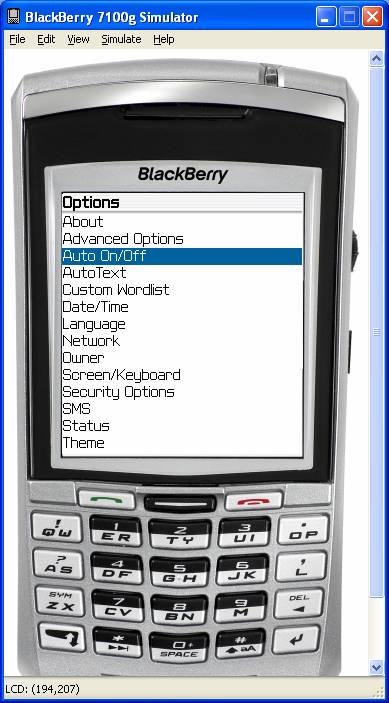
You do that in “Tools” or “Options.”

  1. Go to “Screen/Keyboard.”
  2. Scroll down to “Convenience Key Opens.”
  3. Press the “Space” key until it says “Tasks.”

Pressing the Convenience Key from anywhere now takes you straight to your task list.

The post below gives several screen shots from this process.

Programming the "convenience key"


Sunday, December 24, 2006

Let the BlackBerry turn itself on and off


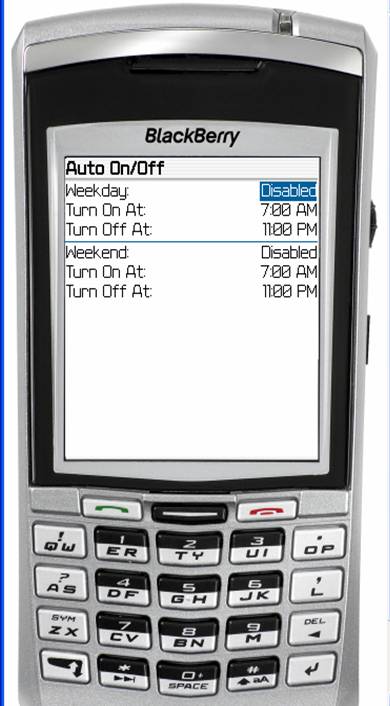
You can have the Blackberry turn itself on and off automatically. Go to "Tools" or "Options" on the home screen. Select "Auto On/Off."


Change “Disabled” to “Enabled.” Select on and off times.

Wednesday, December 20, 2006

Substitutes for the track wheel


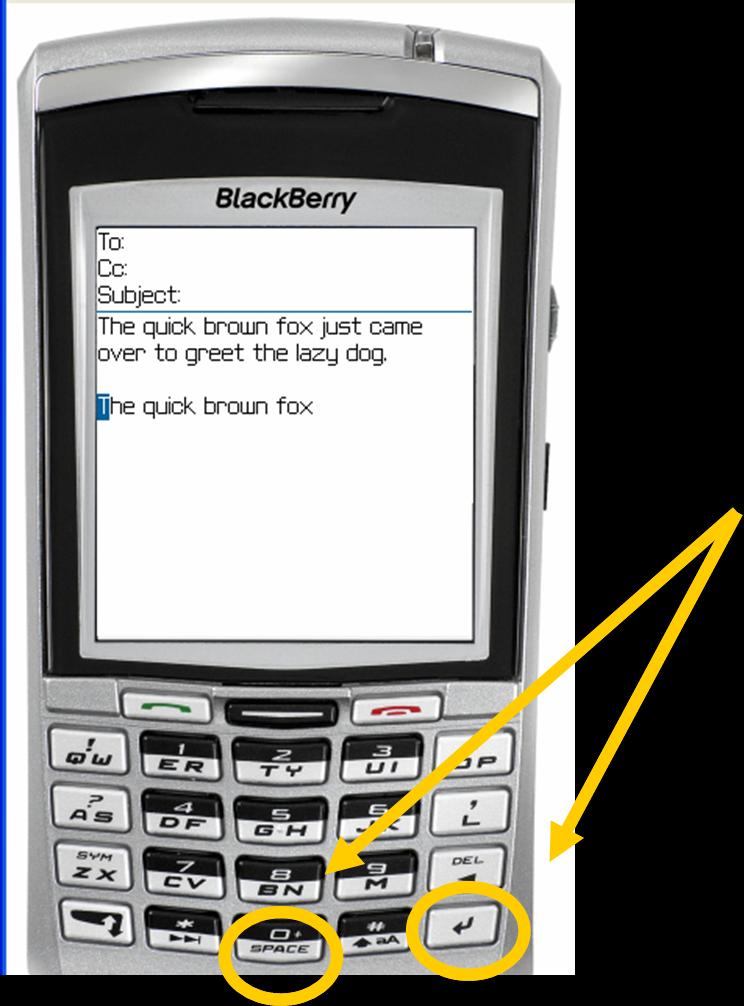
In general, try using either the “Enter” or “Space” key as a substitute for clicking the tracking wheel.

Tuesday, December 19, 2006

Other shortcuts

Holding a key for a moment will capitalize that letter.

Hitting the "Space" key twice will insert a period.

Friday, December 15, 2006

E-mail addresses

Here is a shortcut when you are composing a new e-mail and have to key the e-mail address. When you get to the spot in the e-mail address where you should insert the "@", simply hit the space bar. When you get to the spot where you would insert the dot, also hit the space bar. The blackberry will automatically format your e-mail address.

Tuesday, December 12, 2006

Troubleshooting the BlackBerry--the soft reset

I have run across a couple of problems since I started using the BlackBerry in August, and both have been fixed by the "soft reset."

One problem I was seeing was an error message that would prevent me from accessing the task list. I have not seen that problem since the first week I was using the device.

The other is a problem that not only has happened to me, but also to one of my co-workers. The BlackBerry was not making the correct sounds that the Profile was saying they should make. Instead of the phone using the ringer or sound we had selected, it either would not ring (but would only vibrate) or would use the default ring tone. Any alerts that had been attached to appointments or tasks would only vibrate even though the profile specified they would ring.

If you are seeing anything like this, the soft reset is a good first step. Simply hold down the ALT key, the CAP key, and press the DEL key. Another way to accomplish the same thing is to take the battery out and put it back in again. In either case, you do not lose any data. You will find it may take the BlackBerry several minutes to restart, so just be patient.

Monday, December 11, 2006

E-Mail best practice

Scan the e-mails on your Blackberry for urgent messages and those you can respond to quickly.

Wait and handle the bulk of your e-mail on your computer.

Now, dump all of the e-mails from your Blackberry.

Thursday, December 07, 2006

Deleting a group of messages at one time


Want to get rid of a whole bunch of messages at one time?
Hold the “Shift” key and roll the track wheel.
Now, hit the “Del” key.

Deleting messages easily


Done with the message? You can delete it by hitting the “Del” key.

There is no need to click the trackwheel and choose the delete option from there.

In fact, many of the tricks you will see here involve ways around using the trackwheel.

Sunday, November 26, 2006

E-mail--scrolling a screen at a time


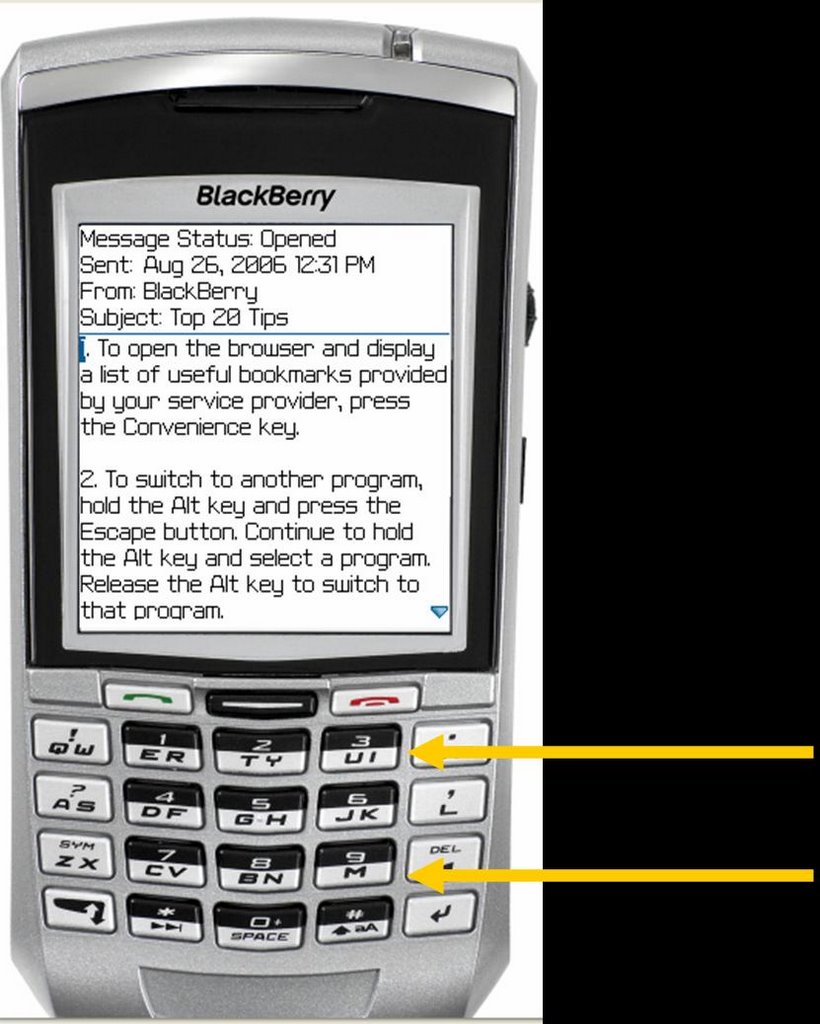
As you read the e-mail, you can scroll the track wheel OR you can hit “M” to jump down a screen or “U” to jump up a screen.

Saturday, November 25, 2006

BlackBerry Tricks and Tips--An Introduction


At the beginning of the school year, each administrator in our school system was issued a BlackBerry. I had been a Palm user for about 5 years, so I was looking forward to what I thought might be a learning curve. Yes, there are differences between how I organize with the BlackBerry versus what I did with my Palm.

Over the last several months, I have become keenly interested in 1) how many people I see on a day-to-day basis who are using a BlackBerry; 2) the growing number of questions I see posed about how to organize (especially tasks) with the BlackBerry; 3) the little I see written that specifically addresses how to use the task list effectively.

This post starts a series of outlining tricks, shortcuts, and strategy I have learned along the way. I will begin with the track wheel, or more specifically, how to get around using it. Using keyboard shortcuts instead of the track wheel eliminates many steps.

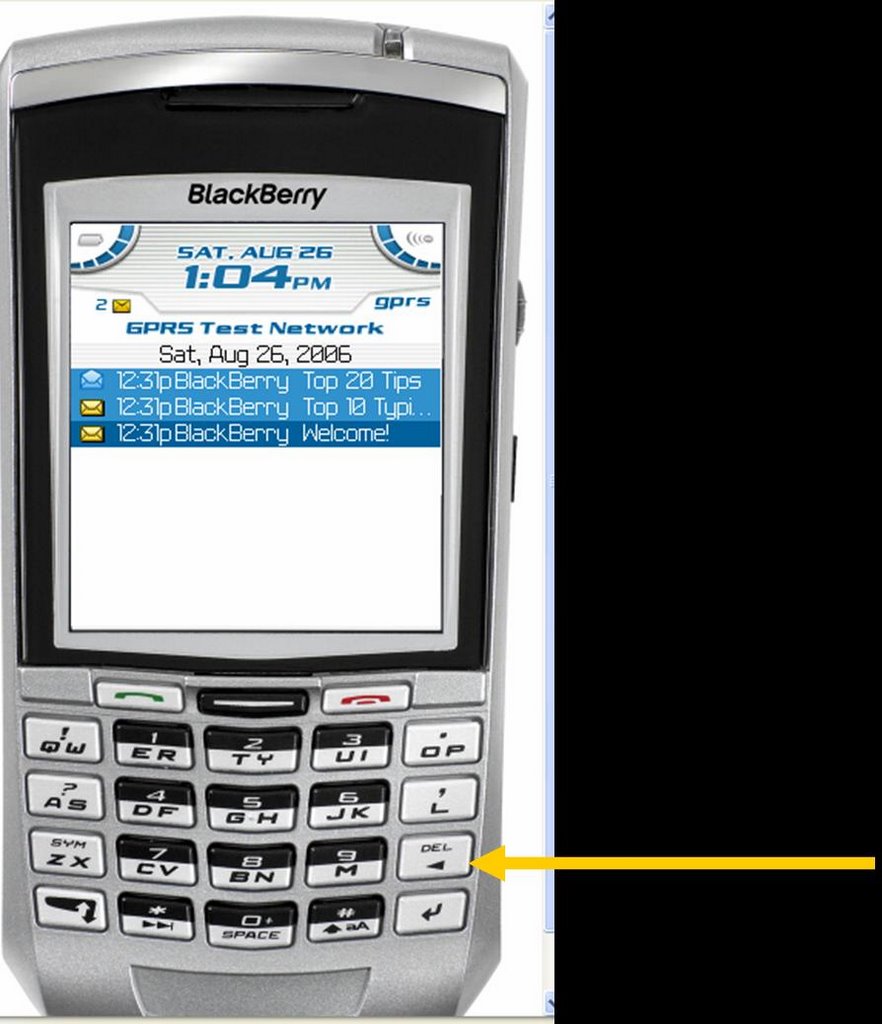
Let's start with opening an e-mail message. You could click the track wheel, scroll the wheel to "Open," and click the wheel. An easier way is to simply hit the “Enter” key
.

Tuesday, November 21, 2006

Translating your blog

People often ask me how I am able to have my blog translated into the various languages just by clicking a link. The process is surprisingly easy:
  1. Go to Google.
  2. Click on the small link that says "Language Tools."
  3. Scroll down the page until you see a heading that says "Translate a web page."
  4. In the box, enter the URL for the page you wish to translate.
  5. Just below the box, select the language to translate from and to and click on "Translate."
  6. You will be taken to your page, and you will be viewing that page in the new language.
  7. Look at the URL at the top of that page. That is the URL for that page in that language.
  8. Highlight and copy that URL.
  9. Create a link and paste that URL as the address for that link.

Saturday, November 18, 2006

What good is a blog? Yet another answer

I have previously written about two blogs that I created for our school system. Little by little, we are seeing the benefits of this form of communication. This past Wednesday provided an excellent example of how a blog can be the quickest and most effective way to communicate a detailed message to a large body of people.

Early into the school day, weather reports were indicating severe weather for the early afternoon, and the decision was made that we would dismiss school at mid-day. Surrounding schools systems were doing the same. As usual, we called radio and TV stations. At best, however, we could only count of them to announce an abbreviated message. Because of our bus routes, our elementary schools, junior high, and high school would dismiss at three different times. Asking the media to announce three different dismissal times was asking too much. As you can imagine, phones were ringing off the hook at each school and the central office asking if we were going to dismiss and at what time.

Within two minutes of word getting to me that we were closing, the complete announce was on our school system blog. Any parent who thought to check our blog got the information, got it completely and accurately, and got it before any radio or TV station had the information.

What good is blog? We just found one more answer.

Monday, October 16, 2006

How do I keep up with the blogs I like?

Often, one must experience the problem before appreciating the solution. As we look find blogs that we want to visit often, we will invariably find we need some efficient way to manage them. How do we know when new posts have been added? Where can we keep up with the URL for each one?

RSS
The answer is something called “Really Simple Syndication” (“RRS” for short). How simple is it? When I find a blog I like, I “subscribe” to it. From that point on, any time there is a new post in that blog, the post appears as simply another e-mail message. The act of checking my e-mail also checks every one of those blogs for new posts.

How do I get started?
You will need an “RSS reader.” The one I use is called intraVnews. It is free for personal use, charities, and non-profit organizations. You can download it from here.

The system requirements are:
  • Microsoft .Net Framework 1.1. (Click the link to download it)
  • Operating Systems: Microsoft© Windows© 98 SE or higher.
  • Microsoft© Outlook© versions: 2002/XP (10.0), 2003 (11.0).

Tuesday, October 03, 2006

What's not working? What would it take to fix it?

Conveniences are all around us. From microwave ovens to electric pencil sharpeners, we have an abundance of tools that make our lives easier—provided they work. What a handy tool we have in that electric stapler—only it doesn’t work because it’s out of staples. How about that empty tape dispenser in your desk drawer?

This week, I challenge you to look at what’s not working in your world and do something about it. The electric stapler sits unused because it’s out of staples and you haven’t refilled it because you are out of (or can’t find) more. You have been meaning to order more but you keep forgetting. The next time you think about needing staples is—you guessed it—when you go to use that stapler and find it’s still empty.

As you come across these little annoyances, take a second to decide what needs to be done to fix it, and jot it in your planner. Don’t put getting staples on the list for today. Instead pick a day about a week out and start a list of little items to get. A week from now, you can handle that whole list at once.

Fixing the problem is the first step. The second step is deciding how to avoid the problem in the future. Think about this one—at your house, when do you decide you need to buy toothpaste? Is it when the tube runs out and you realize there are no more under the counter? Or, is it when you take the last one from under the counter. In the first case, you have a minor crisis—you need toothpaste NOW. In the second case, you just need to put toothpaste on the grocery list and go on about your business.

Ask yourself the same thing about supplies in your classroom. Do you order more when you are OUT or when your reserve is low? What about textbooks? If a new student enrolled tomorrow, would you have books for him? If not, why not go ahead and put in a request now, so that when you DO get another student—and you will—that you are prepared. You own 7 umbrellas, yet you never seem to have one in the car you when a downpour occurs. What could you do to fix that problem once and for all?

What else in your classroom doesn’t work? What about that regular pencil sharpener where the handle has been loose for 2 years? What would it take to fix that? You have two desks that are awfully wobbly. What would it take to fix them? Realize this is a thought process that seldom occurs to most people. Too many of us simply get so used to all of the things in our lives that don’t quite work that we soon stop thinking about them anymore.

Have you cleaned out your desk lately? If not, put it on your to-do list. Out go the pencils with no points, the dried-up ink pens, the empty packs of Sweet & Low, and a host of papers that never should have been there to start with. You will be amazed at what you find there that you had no idea you had.

Why do people resist thinking through what it takes to fix the little broken things? I think the answer lies in that thinking through what needs to be done creates a long to-do list for people who already have too much to do and try to keep up with all of it in their heads. For those of us who have a “capture tool,” life is easier. We take a second to jot down what needs to happen. We organize our list in a way that groups similar items together. Then, we handle that whole batch all in one sitting.

Get all of those conveniences in your life working and watch some of the stress in your life go away.

Tuesday, September 05, 2006

New ideas, update on office


The past month has been a busy month, but a very productive one. We are well on our way to getting two blogs established to improve communication in our school system.


TalladegaCitySchools.blogspot.com is a tool to communicate with parents and the community while TeachTalladega.blogspot.com is designed to allow our central office and each school to communicate with everyone else in the school system.

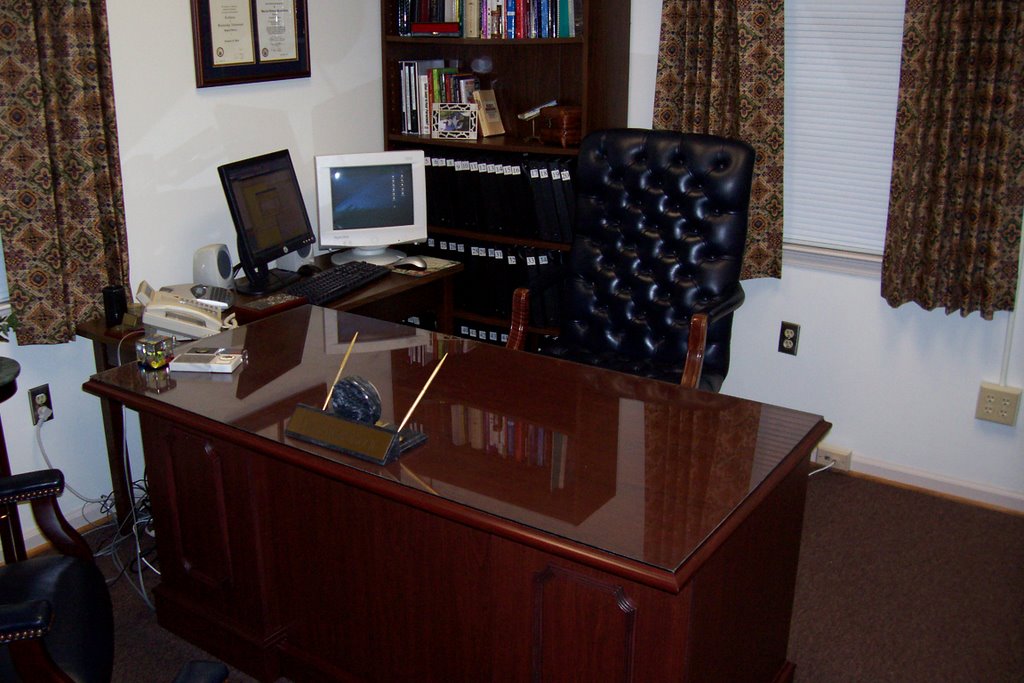
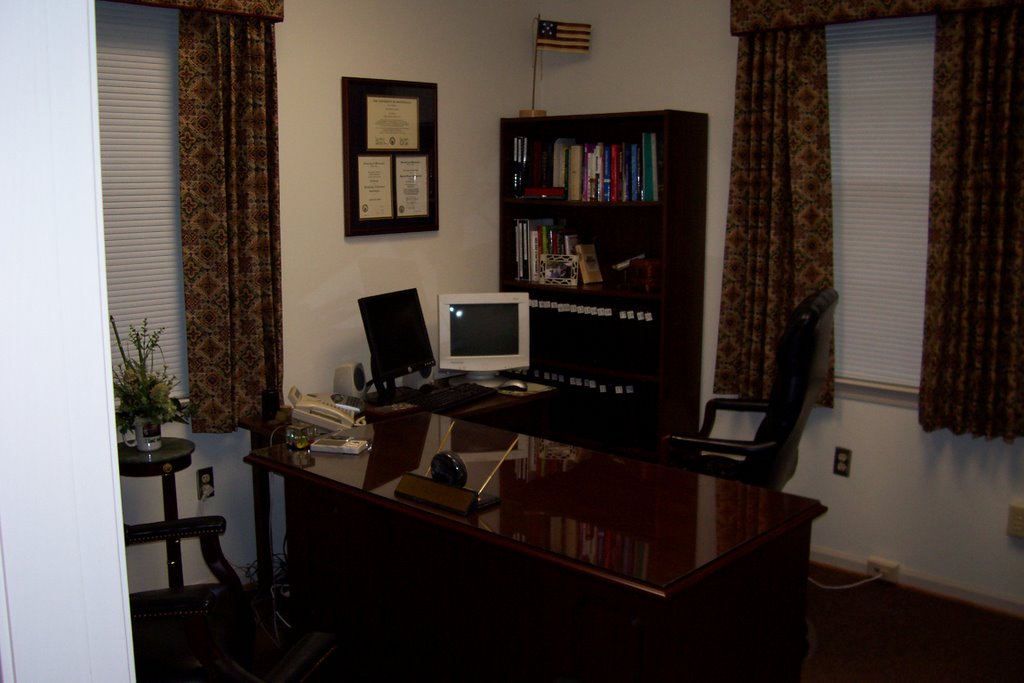
Earlier, I had posted pictures of my new office. Here a few pictures now that curtains have been hung and pictures and plaques hung on the wall.

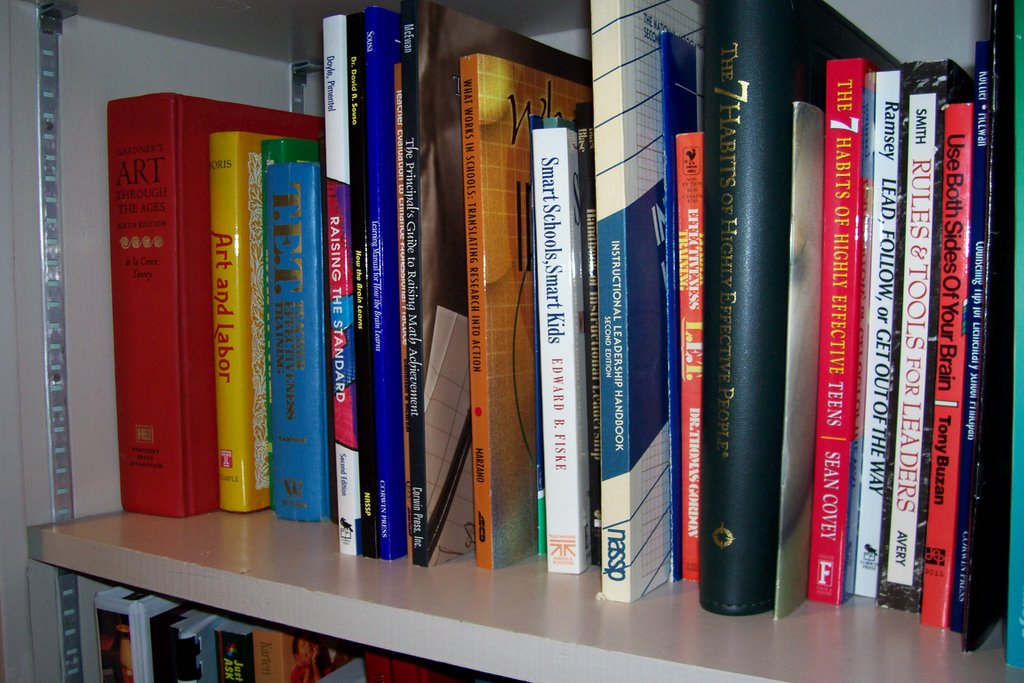
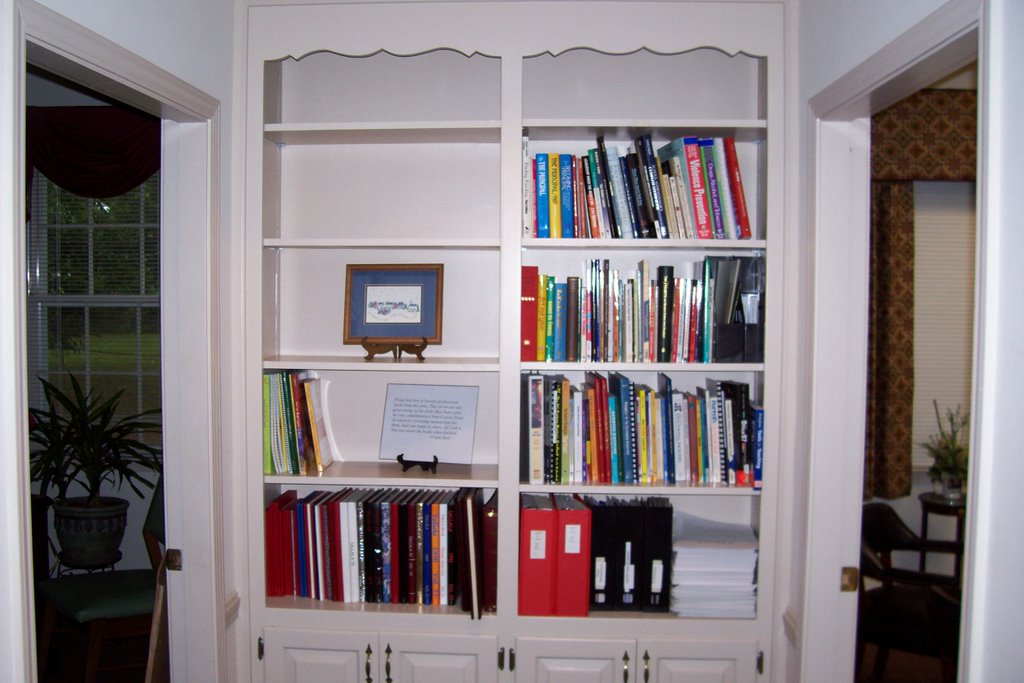
Also, I am using a bookcase just outside my office as a lending library.


Thursday, July 20, 2006

You never know what today's mail may bring...

Going through today's mail, I opened an envelope containing a complimentary copy of "Pro Principal," a newsletter for school principals. The "cover story" was a feature our use of blogs at Graham Elementary School!

Amy Shannon, the editor for the publication had contacted me some time ago after having read my article in Principal magazine. I was quite surprised to see the article, especially displayed so prominently and with such coverage of our school.

My thanks to Shannon for spotlighting our school system.